
Revenue on paper is not cash in the bank. If you invoice clients, the gap between the two is your accounts receivable, and it only stays manageable when you can see every open invoice, how late it is, and how much sits in each lateness bracket. A spreadsheet does this well: one log, a few formulas, no accounting software subscription. Below is our free accounts receivable template for Excel, what it tracks, and how to use it.
What the template does
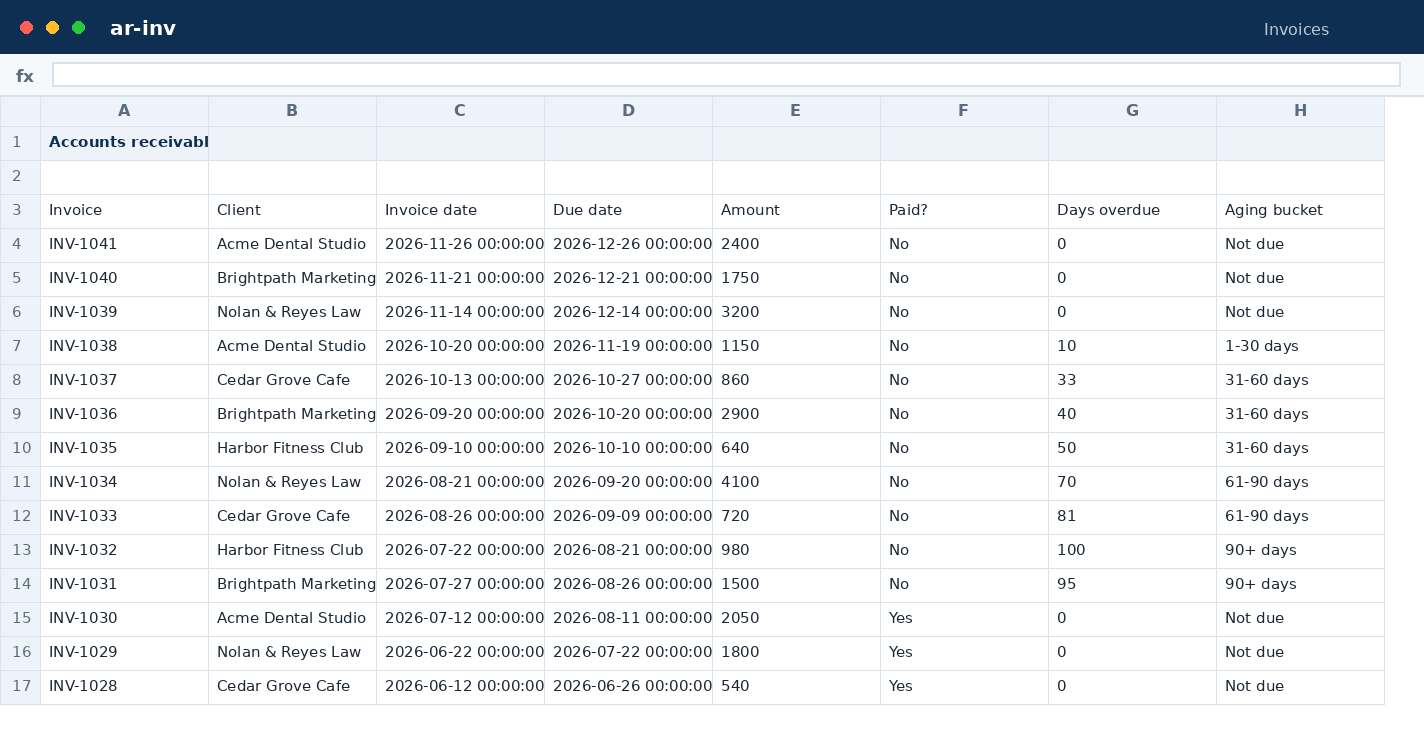
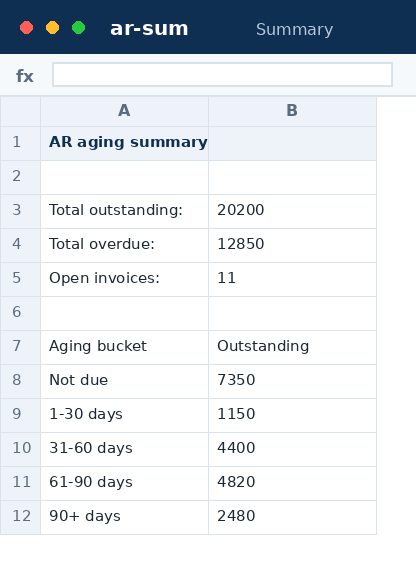
The workbook has three sheets. Invoices is the log: fourteen sample rows with customer, invoice number, invoice date, due date, amount and a Paid? flag. The Days overdue column runs =IF(paid="Yes",0,MAX(0,TODAY()-due)), so a paid invoice always reads zero and every open invoice shows exactly how late it is today, recalculated every time you open the file. Summary totals what you are owed with SUMIFS and splits it into the standard aging buckets: Not due, 1-30, 31-60, 61-90 and 90+ days. How to use is the quick-start guide, built into the file.
How to use this accounts receivable template in Excel
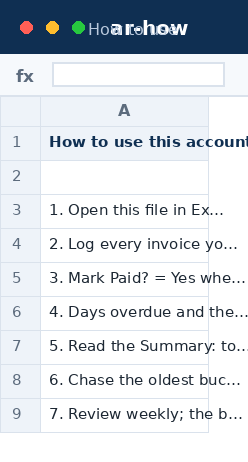
1. Get the file. Download the xlsx below - it opens in Excel, Google Sheets and LibreOffice Calc with no conversion. 2. Replace the sample rows. Enter your open invoices: customer, invoice number, invoice date, due date and amount. 3. Set Paid? to Yes as money arrives. That one cell is the whole workflow - the overdue counter and the aging summary both key off it. 4. Read the Summary sheet weekly. The bucket table tells you where to chase first: anything in 61-90 or 90+ is a phone call, not an email.
Why aging buckets matter more than the total
A single receivables total hides the story. $8,000 owed with $6,500 in the Not due bucket is a healthy week; the same $8,000 with $6,500 sitting past 60 days is a collections problem. Industry surveys of small businesses consistently find late payment is the norm, not the exception, and the probability of collecting drops sharply once an invoice passes 90 days. The bucket view forces the right behavior: chase the oldest money first, because that is the money most at risk of never arriving.
Common questions
Is this a full bookkeeping system? No, and it is not trying to be - it tracks money owed to you, nothing else. For the wider picture, our free bookkeeping template logs income and expenses together.
How does this relate to cash flow? Receivables are the biggest timing gap in most small-business cash flow. The cash flow statement template shows where the money actually moved; this sheet shows what has not moved yet.
When should I switch to invoicing software? When you are sending more than a handful of invoices a month, automated reminders and online payment links start paying for themselves. We compared the options in our best invoicing software for small business roundup - but a spreadsheet is the right starting point.
Download the free template
The bottom line
You cannot chase what you cannot see. Put every open invoice in one log, let the formulas count the days, and read the aging summary every week - the businesses that get paid fastest are usually just the ones that notice lateness first.