
Running out of a best seller costs sales. Over-ordering ties up cash. A simple reorder level for each item fixes most of this. The items and numbers in the sample are made up.
What is in the template
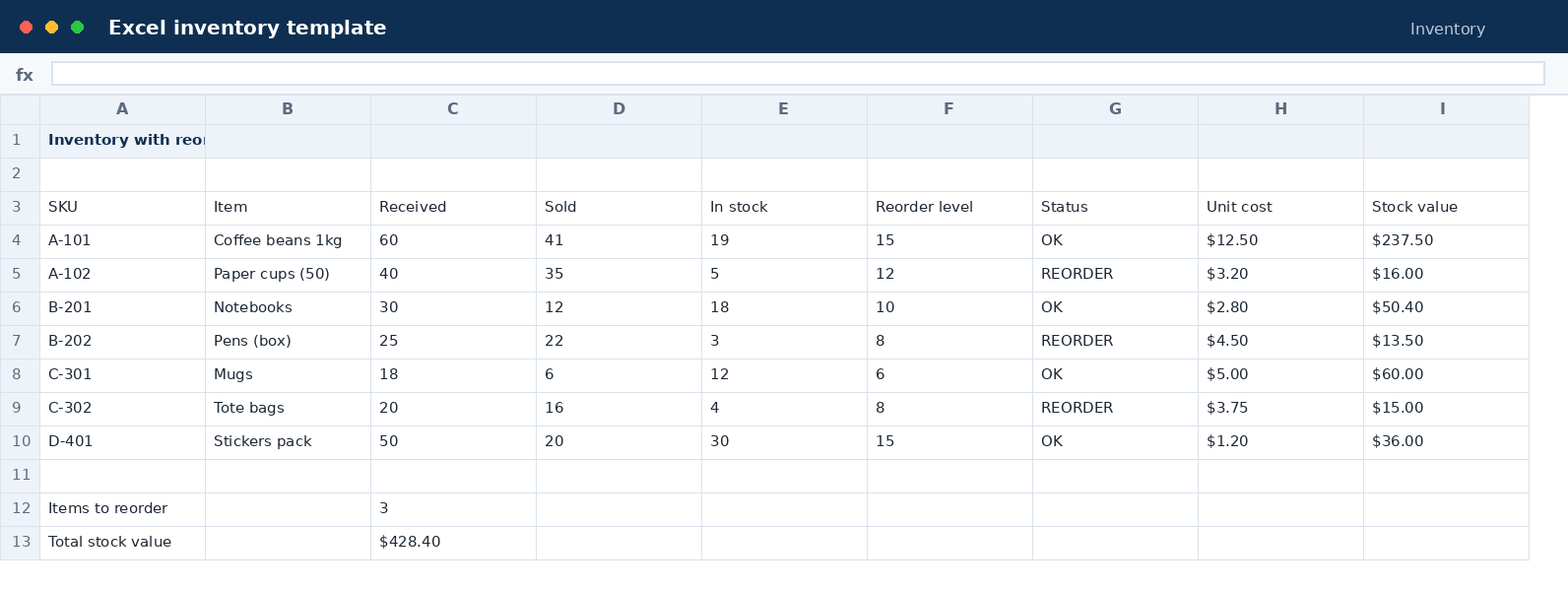
The Inventory sheet lists SKU, item, Received, Sold, In stock, Reorder level, Status, Unit cost and Stock value. In stock is =C4-D4. Status is =IF(E4<=F4,"REORDER","OK"). Stock value is =E4*H4. Below the table you get a count of items to reorder and the total value of stock on hand. Conditional formatting shades any row marked REORDER.
How to set a reorder level
A simple rule: reorder level = average daily sales x supplier lead time in days, plus a small safety buffer. If you sell 3 mugs a day and a supplier needs 5 days to deliver, 15 plus a few spare is a sensible level. Adjust it after a month of real data.
How to use it
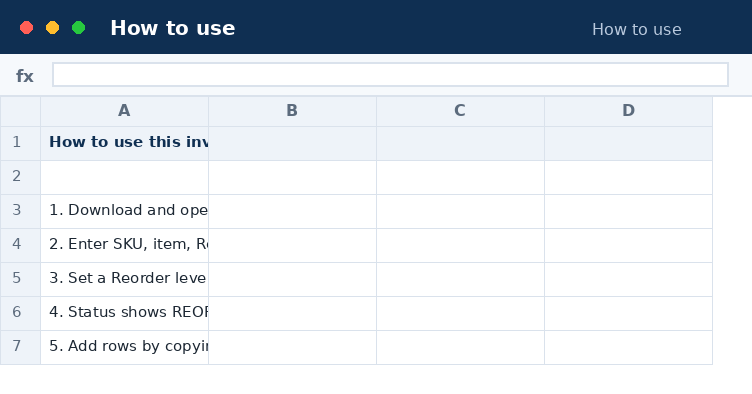
1. Download the xlsx and open it in Excel. 2. Replace the sample items. 3. Add to Received when stock arrives and to Sold as you sell. 4. Check Status each week and order whatever says REORDER. 5. To add items, copy the last row down and extend the conditional formatting range.
Related
Want it in Sheets? Use the free Google Sheets inventory template. Running a kitchen? See the restaurant inventory template. More files: Excel templates for small business.
Download the free template
The bottom line
Count regularly, set sensible reorder levels and let the sheet flag the rest. It is not a warehouse system, but for a small shop it is often enough.