
Applying to ten jobs a week means forgetting which ones you applied to, which recruiter wrote last, and who you promised to follow up with. A single sheet fixes that. Below is our free job tracker template for Google Sheets and how to use it. The companies in the sample rows are made up.
What the template does
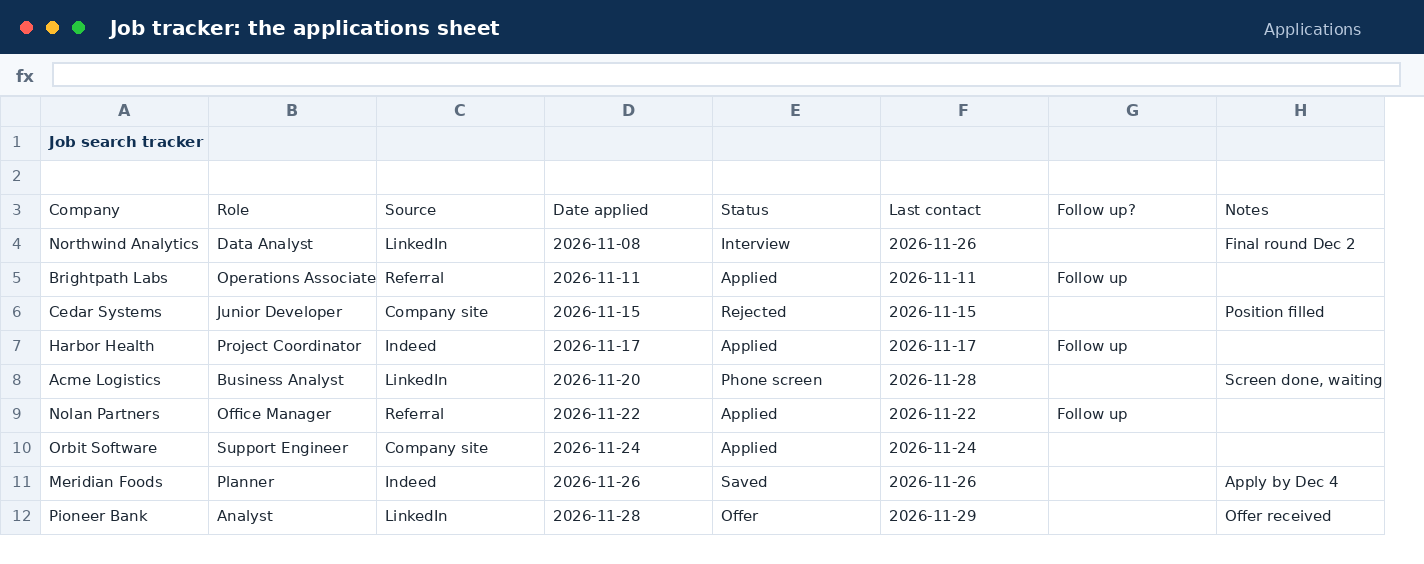
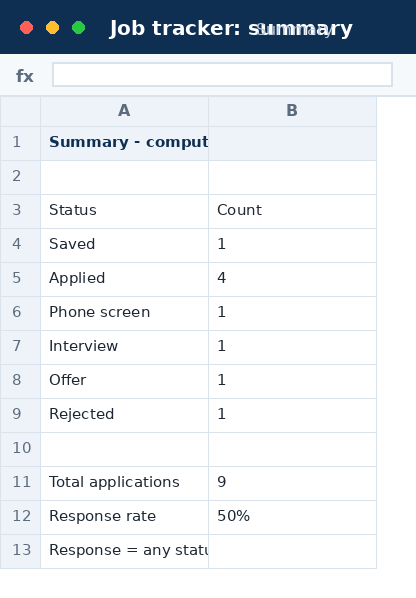
The workbook has three sheets. Applications has one row per job: company, role, source, date applied, status, last contact, a follow-up flag and notes. The flag is a formula that shows "Follow up" when an open application (Applied, Phone screen or Interview) has had no contact for seven days. Summary counts applications by status with COUNTIF and shows your response rate. How to use is built into the file.
How to use this job tracker
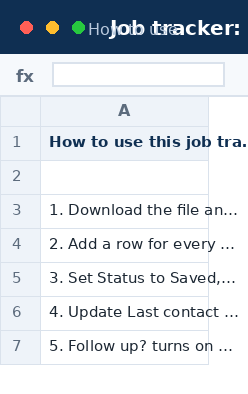
1. Get the file. Download the xlsx below, then File > Import > Upload in Google Sheets. 2. Add every job you save or apply to, with Status set to Saved or Applied. 3. Update Status and Last contact each time something happens. 4. Open the sheet once a day and send the follow-ups it flags. 5. Read the Summary weekly. If the response rate is low, the problem is usually the resume or the targeting, not the volume.
What a good follow-up looks like
A week of silence after applying or interviewing is a normal time to send one short, polite message: restate your interest, mention one specific thing from the conversation, and ask about the timeline. One follow-up is reasonable; after a second with no answer, move on. Log each contact in the Last contact column so the flag resets.
Common questions
Can I use this for other lists, like projects? The structure is a status pipeline, so yes. Our project management template is built for tasks and deadlines.
Job hunting costs money. How do I track it? Log application fees, travel and courses in the expense tracker.
Between jobs, how do I plan spending? Start with the free Google Sheets budget template.
Download the free template
The bottom line
Searching for work is stressful enough without losing track of it. Keep one sheet, update it daily, and let the follow-up flag remind you.