
A quote (or estimate) tells a client what a job will cost before work starts. A clear one wins trust and avoids disputes later. The business, client and prices in the sample are made up.
How the template works
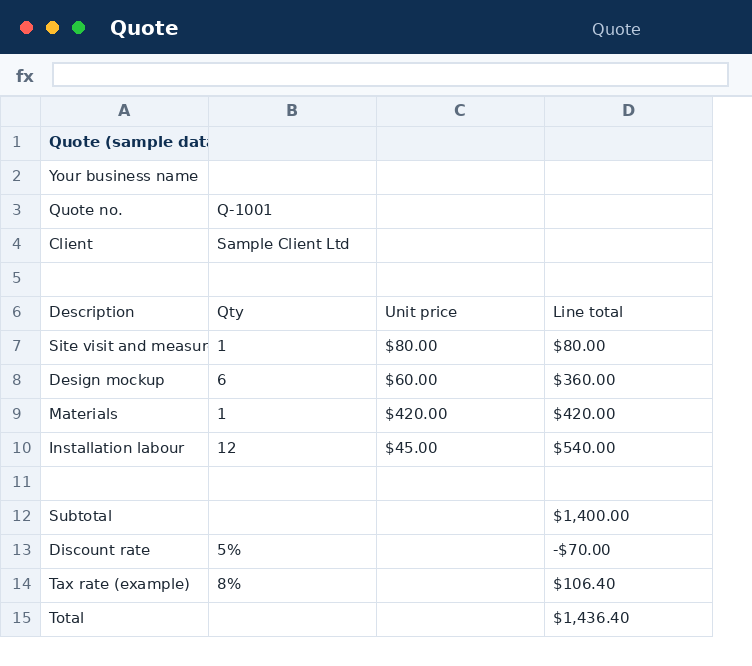
The Quote sheet has your business name, a quote number, the client, and a table of Description, Qty, Unit price and Line total. Line total is =B7*C7. Below it: Subtotal with =SUM(D7:D10), a discount rate, a tax rate and the Total. The sample has a $1,400.00 subtotal, a 5% discount of $70.00, 8% tax of $106.40 and a total of $1,436.40. The 8% is only an example: use your own local rate.
How to use it
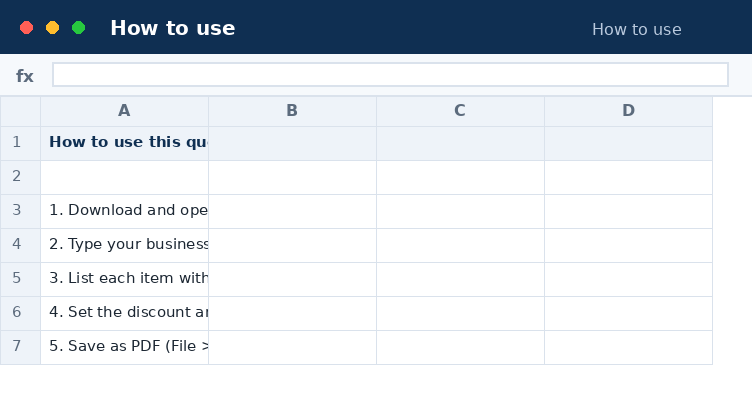
1. Download the xlsx. 2. Add your business name, a quote number and the client. 3. List each item with Qty and Unit price. 4. Set the discount (0% if none) and your tax rate. 5. Choose File > Save As > PDF and send it.
What a good quote includes
Say what is covered and what is not, how long the quote is valid, and when payment is due. Keep the wording plain. When the client accepts, turn the quote into an invoice.
Related
Next step: the free invoice template for Google Sheets. If you send many, compare invoicing software for small business. More: Excel templates for small business.
Download the free template
The bottom line
Send quotes quickly and make them clear. Speed and clarity often matter more than the lowest price.