
You do not need an app to budget. One Excel sheet and a few minutes a week is enough for most people, and you keep your data on your own computer. Below is our free Excel budget template and how to use it. The numbers in the sample are made up.
What the template does
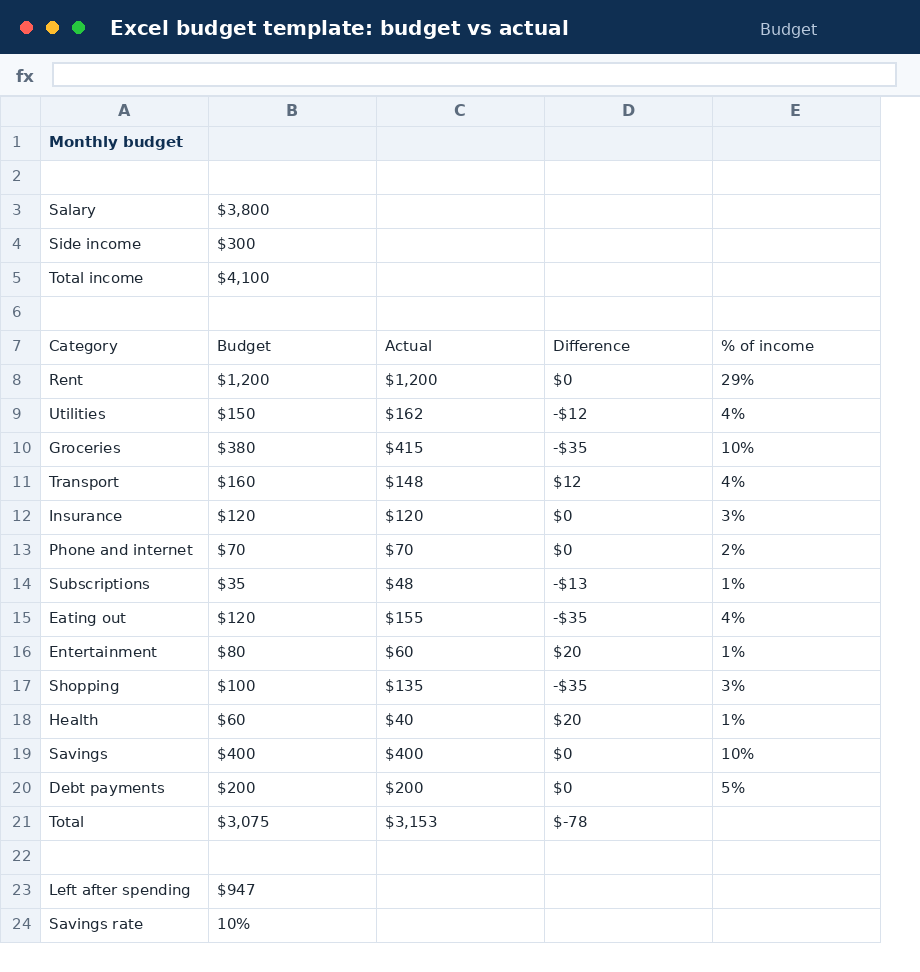
The workbook has two sheets. Budget starts with income (salary and side income, summed with =SUM(B3:B4)), then lists 13 categories with Budget, Actual, Difference and % of income. Difference is Budget minus Actual, so a negative number means you overspent. The % of income column is =IF($B$5=0,0,C8/$B$5). At the bottom you get totals, what is left after spending, and your savings rate (savings divided by income). How to use is built into the file.
How to use this Excel budget template
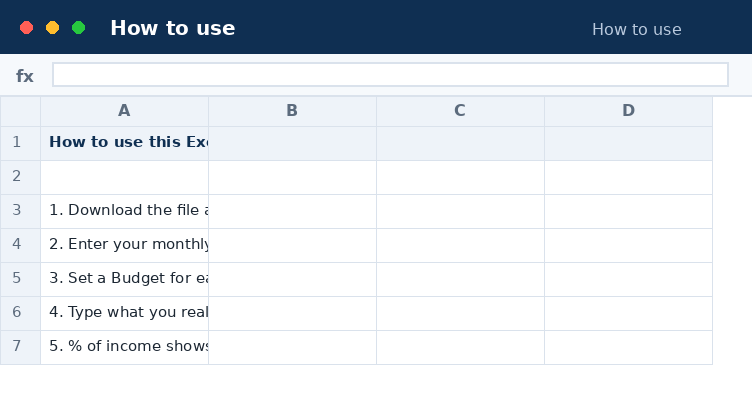
1. Get the file. Download the xlsx below and open it in Excel. 2. Enter your income and replace the sample categories with yours. 3. Set the Budget column before the month starts. Put Savings in as a normal line so it gets paid first. 4. Fill in Actual from your bank statement once a week. 5. Copy the sheet for each new month (right-click the tab, then Move or Copy) so you keep a history.
What is a good savings rate?
There is no single right number. A common rule of thumb is the 50/30/20 split: about half of take-home pay for needs, 30% for wants and 20% for savings and debt payments. Treat it as a starting point and adjust to your costs. The savings rate line in the template shows where you actually are, which is more useful than where the rule says you should be.
Common questions
Does this work in Google Sheets? Yes; upload the xlsx with File > Import. We also have a version written for Sheets: the free Google Sheets budget template.
Do you have a version for families? See the family budget template, which adds household income and childcare lines.
How do I track individual purchases? Use the expense tracker and copy category totals into Actual.
Download the free template
The bottom line
A budget you update beats a perfect one you abandon. Keep it to a handful of categories, check it weekly, and look at the savings rate first.