
Margin and markup are easy to mix up, and the mix-up costs money. A 100% markup is only a 50% margin. The products and prices in the sample are made up.
Margin vs markup
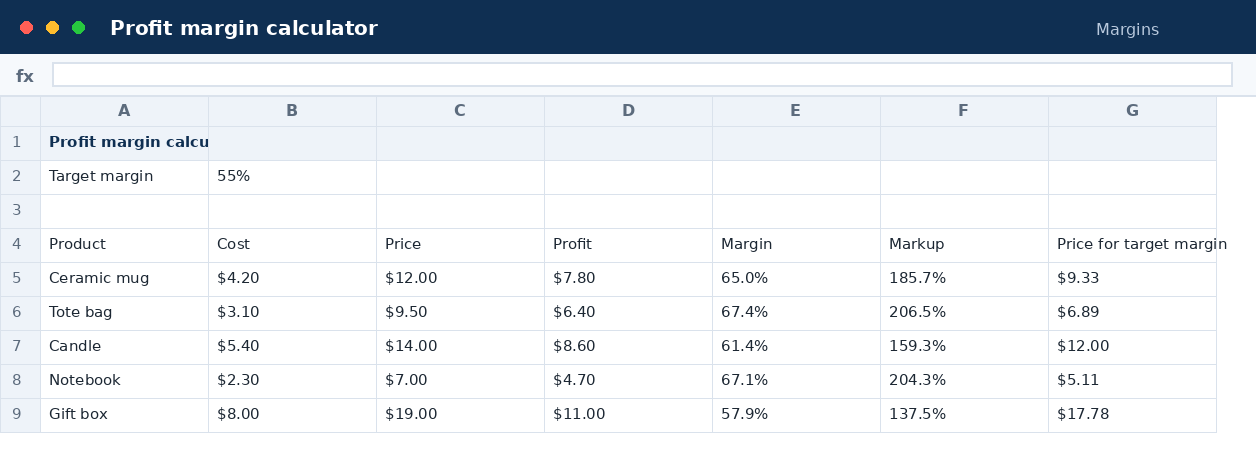
Margin is profit divided by the selling price. Markup is profit divided by cost. A mug that costs $4.20 and sells for $12.00 makes $7.80 profit: that is a 65.0% margin and a 185.7% markup. Same product, two different percentages. Use margin to judge how much of each sale you keep, and markup when you set prices from cost.
How the template works
The Margins sheet has a target margin in B2 and one row per product. Profit is =C5-B5. Margin is =IF(C5=0,0,D5/C5). Markup is =IF(B5=0,0,D5/B5). The last column gives the price needed for your target margin: =B5/(1-$B$2). With a 55% target, a $4.20 cost needs a $9.33 price. All five sample products already beat 55%, so the last column shows prices lower than the current ones.
How to use it
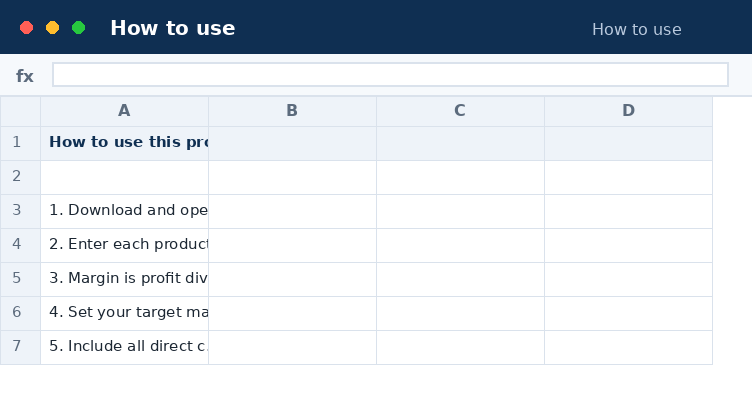
1. Download the xlsx. 2. Replace the sample products. 3. Put all direct costs in Cost: materials, packaging, and payment or marketplace fees. 4. Set your target margin in B2. 5. Compare the real price with the target price and adjust the lowest-margin items first.
Related
For the whole business, use the profit and loss template. When you price a job, try the quote template. More: Excel templates for small business.
Download the free template
The bottom line
Know your margin on each product before you discount it. A small price cut can erase most of your profit.