
Google Sheets AI formulas let you ask for text, summaries or categories right inside a cell. Google's help page describes an AI function (also written Gemini) for this. This guide explains what it does, how to use the Google Sheets AI function, why you may see "AI function not available", and what to do if you do not have access. It is based on Google's own help page, linked below. Features and plans change, so check that page for the latest.
Does Google Sheets have an AI function?
Yes, according to Google's help page, but not everyone has it. The function needs an eligible Google Workspace or Google AI plan, or membership in the Workspace Experiments trusted-tester program. Source: Google Docs Editors Help, AI function.
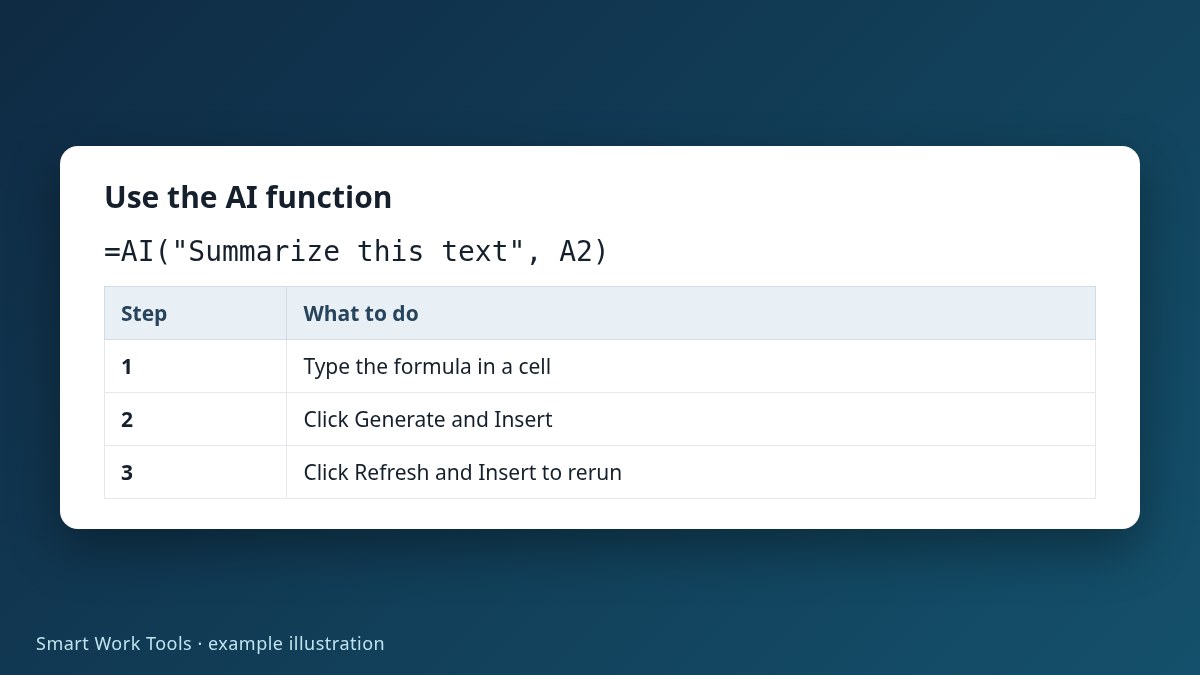
How to use the Google Sheets AI function
- Click a cell and type
=AI("your prompt"). You can also type=Gemini("your prompt"). - Select the cell and click Generate and Insert.
- To run it again, click Refresh and Insert.
You can add a range as a second argument so the AI reads your data. Google's own example categorizes a customer inquiry: =AI("Categorize the customer inquiry as a compliment, exchange request, or return request.",C2).
What the AI function can do
- Generate text
- Summarize
- Categorize
- Analyze sentiment
- Pull real-time information from Google Search
Google also describes an Insert AI column feature for tables, and a fill option with Gemini.
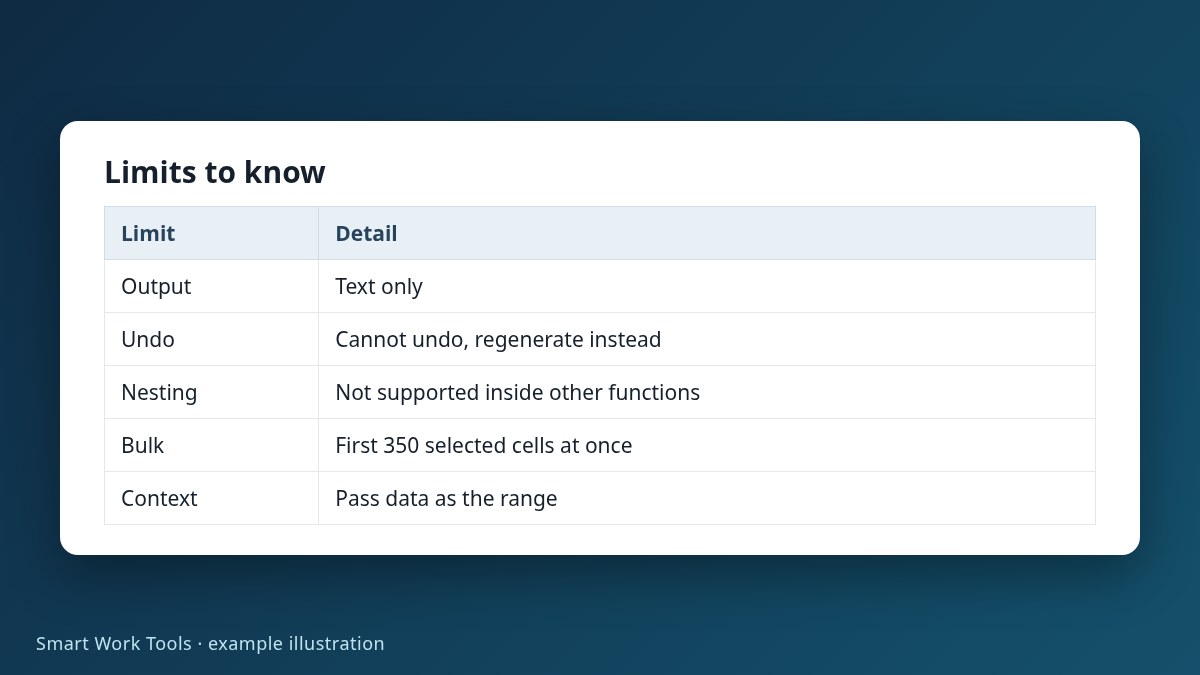
Limits of the Google Sheets AI function
From Google's help page:
- Responses are text only.
- It does not see your whole spreadsheet or other Drive files, so put the data in the sheet and pass it as the range.
- You cannot undo or redo the function. Regenerate instead.
- Embedded use is not supported, for example putting
AIinside anIF. - There are short term and long term generation limits. If you hit a long term limit, wait 24 hours.
- Only the first 350 selected cells with AI functions are generated at one time.
- If your prompt is built with concatenation, refresh it by hand when the data changes.
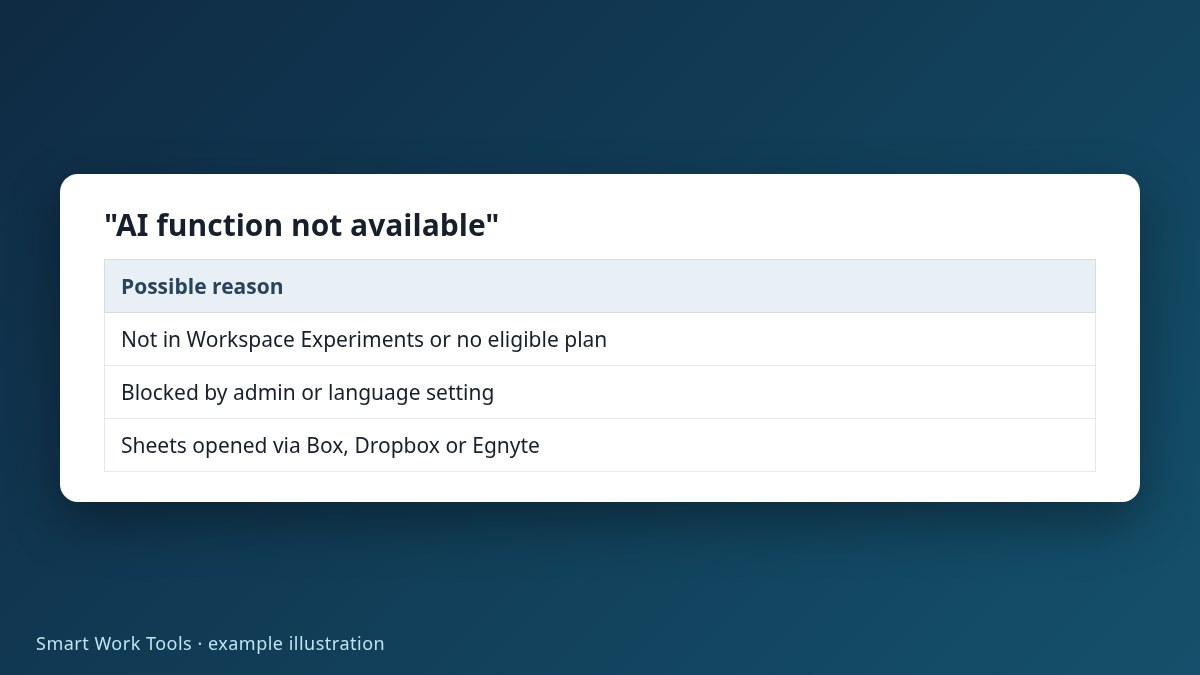
AI function not available in Google Sheets: why?
Google lists these reasons: you are not in the Workspace Experiments program, you are not on a plan with access, your admin settings or language setting block it, or you open Sheets through Box, Dropbox or Egnyte with Google Drive.
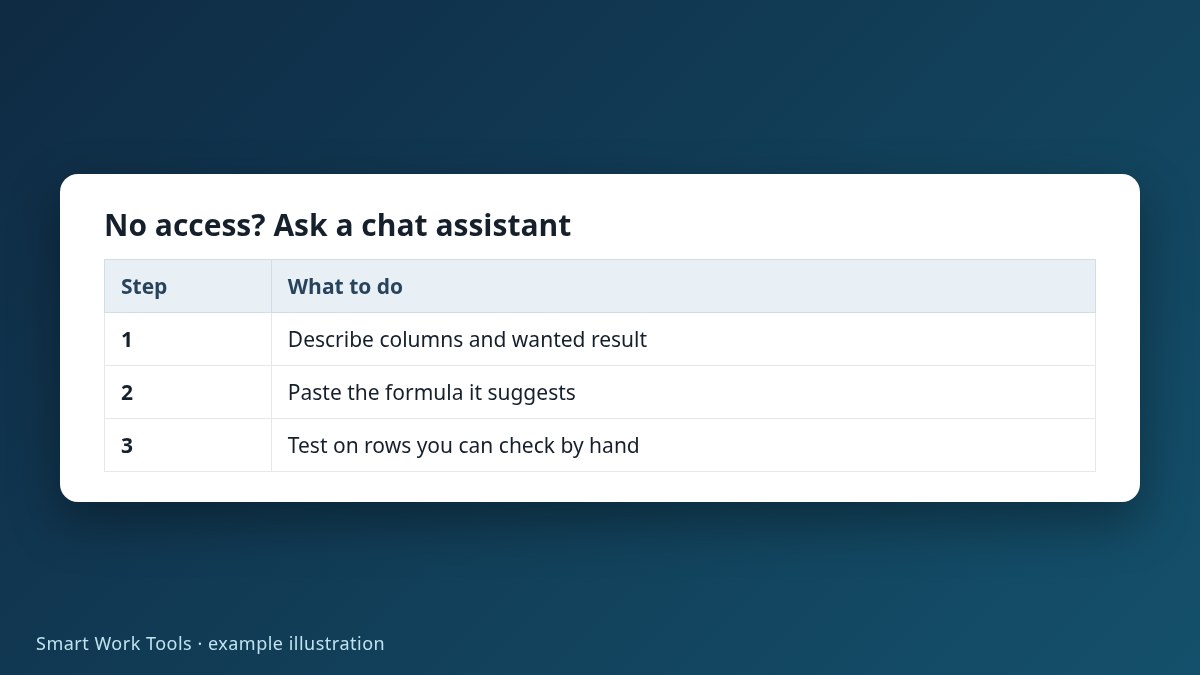
No access? Use an AI chat to write the formula instead
You can still use an AI chat assistant as a formula helper. Describe your sheet, the columns and the result you want, then paste the formula it gives you and test it on a few rows you can check by hand. If you get a parse error, paste the error back and ask for a fix, and also compare with the basics in our guides to multiple IF statements and SUMIF with multiple criteria. Never trust a formula you have not tested.
Tips for better AI prompts in Sheets
- Be specific about the output, such as one word or one sentence.
- Give the allowed categories in the prompt.
- Pass the cell or range with the data.
- Check a sample of results before you fill a whole column.
Google Sheets AI formulas: common questions
Is the AI function free?
Google's help page says it needs an eligible plan or the trusted-tester program. Check the page for current details.
Why does my AI formula not update?
Prompts built with concatenation need a manual refresh when the data changes, per Google's help page.
Can an AI generate formulas without the AI function?
Yes. A chat assistant can suggest a formula that you paste in. Test it before you rely on it.
Related guides on Smart Work Tools
See our XLOOKUP vs VLOOKUP guide and learn to remove duplicates in Google Sheets.